UI Lessons from Antique Calculators
Kyle Rankin
Introduction
- Easy to take UI for granted
- "Intuitive" is relative
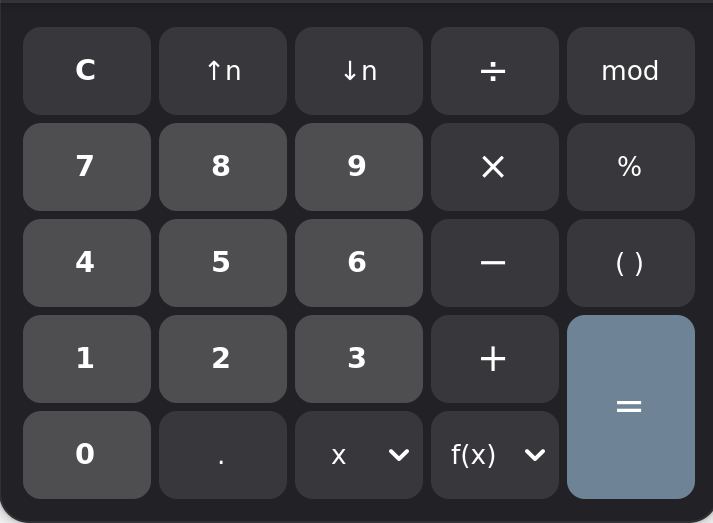
- Take the calculator
- I collect vintage calculators
- UI varies widely across models
- Many of you would struggle to use them w/o training
- Mechanical calculators work via complicated mechanisms
- Focus wasn't UI, but getting machine to work
- UI was just how engineer exposed inner workings
- Similar to how many Linux apps are developed.
This Talk
- Original Odhner (1874)
- Comptometer (1887)
- Burroughs (1888)
- Sundstrand (1911)
- Monroe (1912)
- Facit (1932)
- Marchant Silent Speed (1934)
- Portable Calculators
- The Digital Age (1960+)
- Lessons for Linux
Original Odhner (1874)
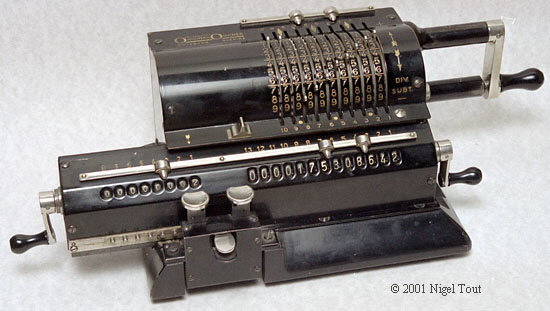
- One of the first consumer calculators
- Known as a "pinwheel" calculator / mechanism
- Can perform four main types of arithmetic
- Set numbers with dials/sliders
- Rotate clockwise to add, counterclockwise to subtract
- Shift right/left when multiplying/dividing
- Turn bottom cranks to clear registers
- Internal underflow bell to aid division.
Brunsviga (1890s)
Comptometer (1887)
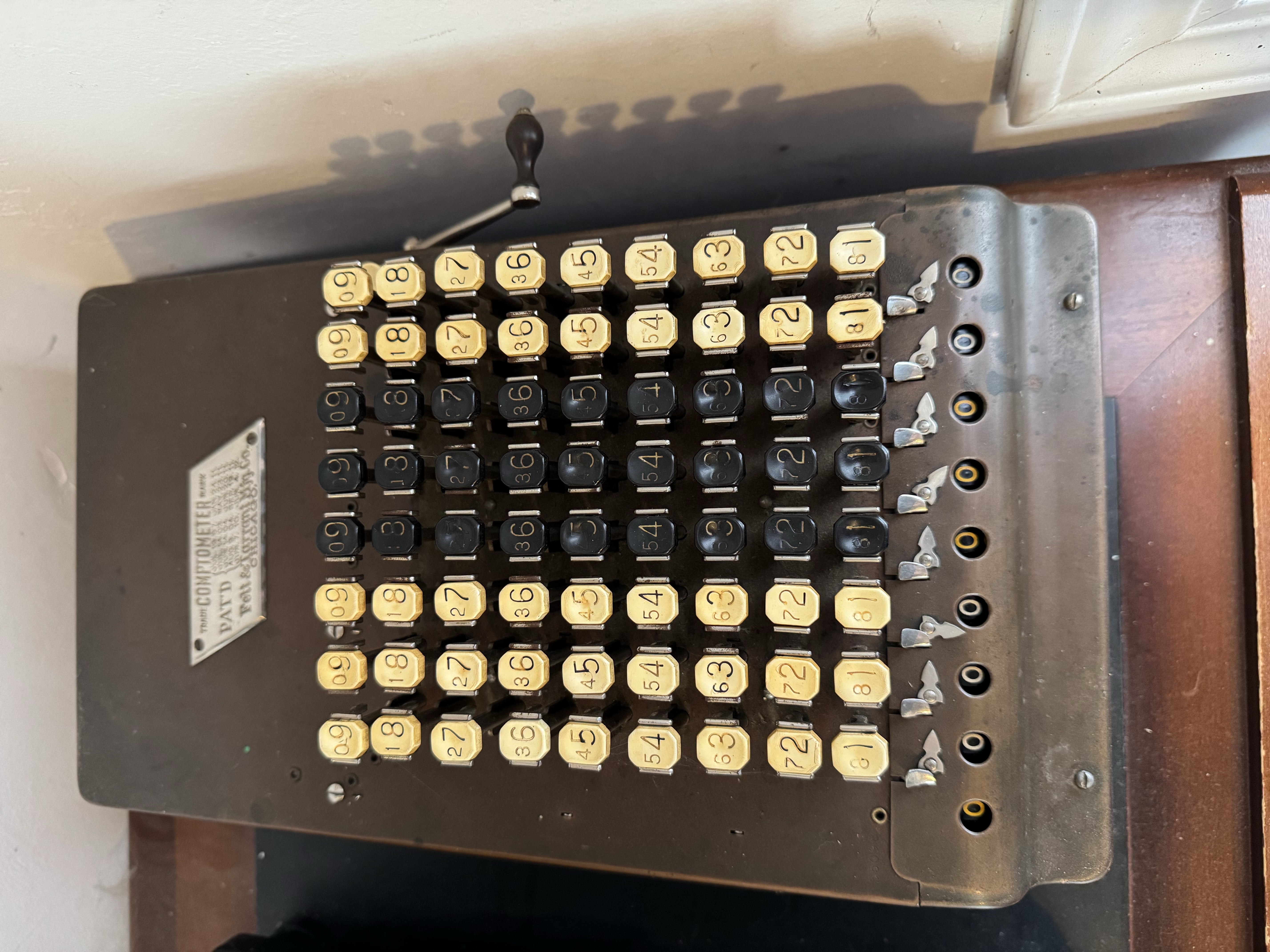
- Probably the fastest mechanical calculator
- Relatively simple design, basic inputs, switch modes between adding and subtracting
- Steep learning curve, training manuals, vocational courses
- The vi of mechanical calculators
- Can perform four main types of arithmetic
- Press numbers to add them
- To subtract, hold subtraction lever, press one's complement
- Pull lever to clear register.
Comptometer (1887) cont.
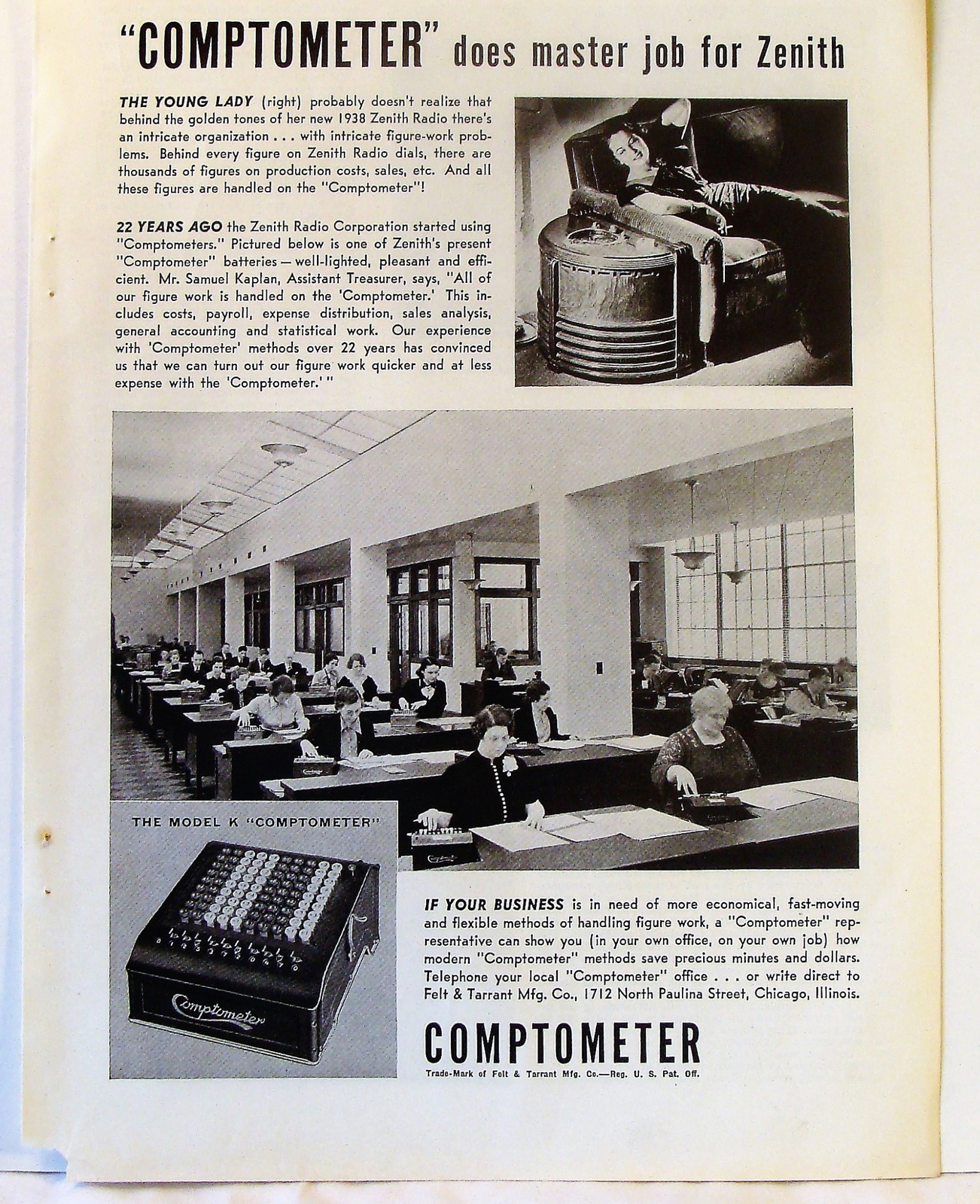
- Trained operators ("computers") operated w/o looking
- Used full keyboard with chorded keypresses
- Stayed on home row for extra speed
- Later models added error detection
- Continued production into 1970s.
Comptometer Model E (~1914)
Burroughs (1888)
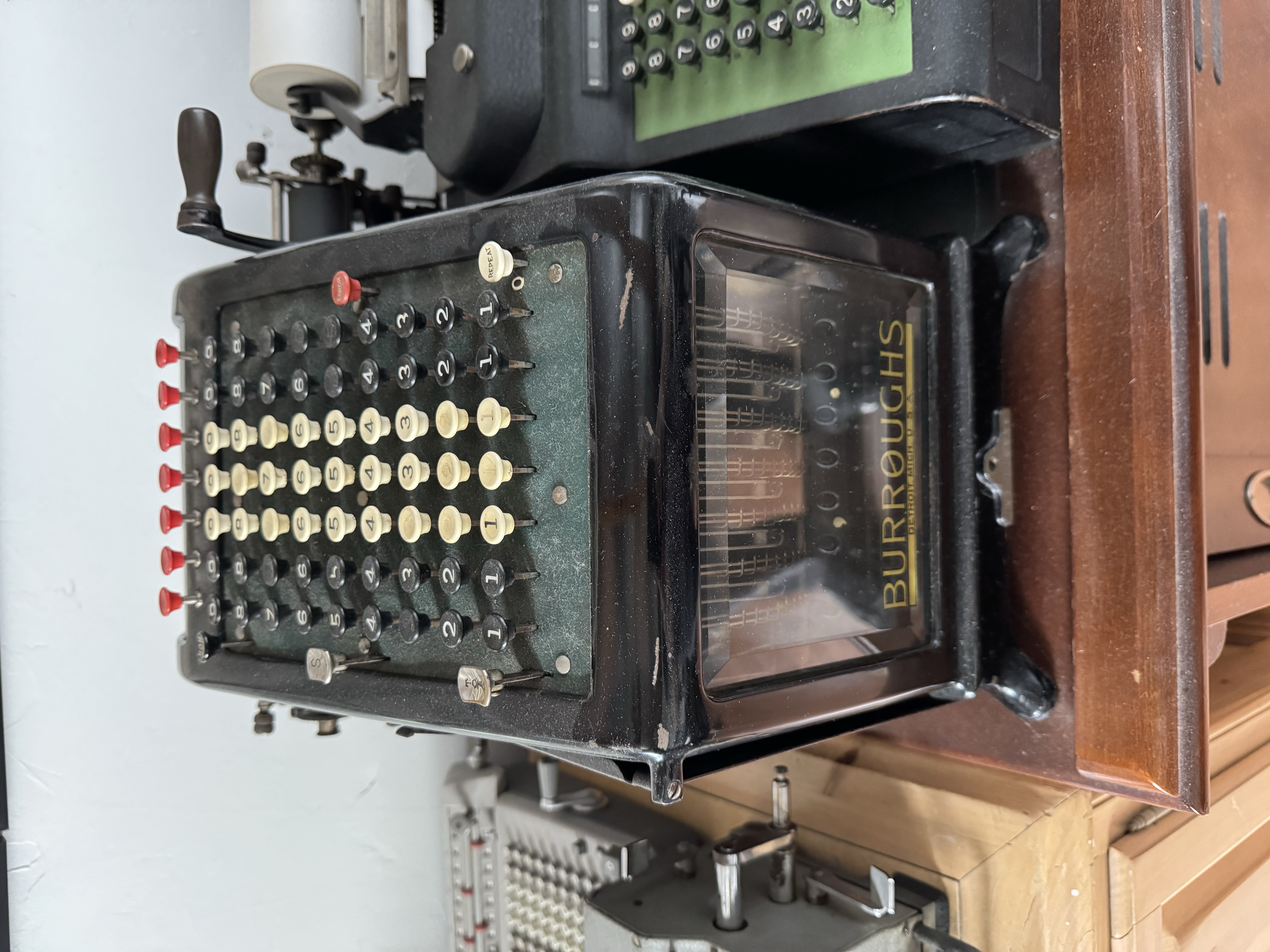
- The Cadillac of business calculators
- Class 1 adding / listing machine with green felt, black case, set style for decades
- Exposed mechanism to counter skepticism
- The IBM / Microsoft of its day
- Standard adding / listing machine UI:
- Press numbers to add, pull lever
- Press repeat button for multiplication
- Press Subtotal, pull lever to print current total w/o clearing registers
- Press Total, pull lever to print total and clear registers
- Press red buttons at top to reset number row
- No subtraction / division in early models.
Burroughs Class 1 (~1917)
Sundstrand (1911)
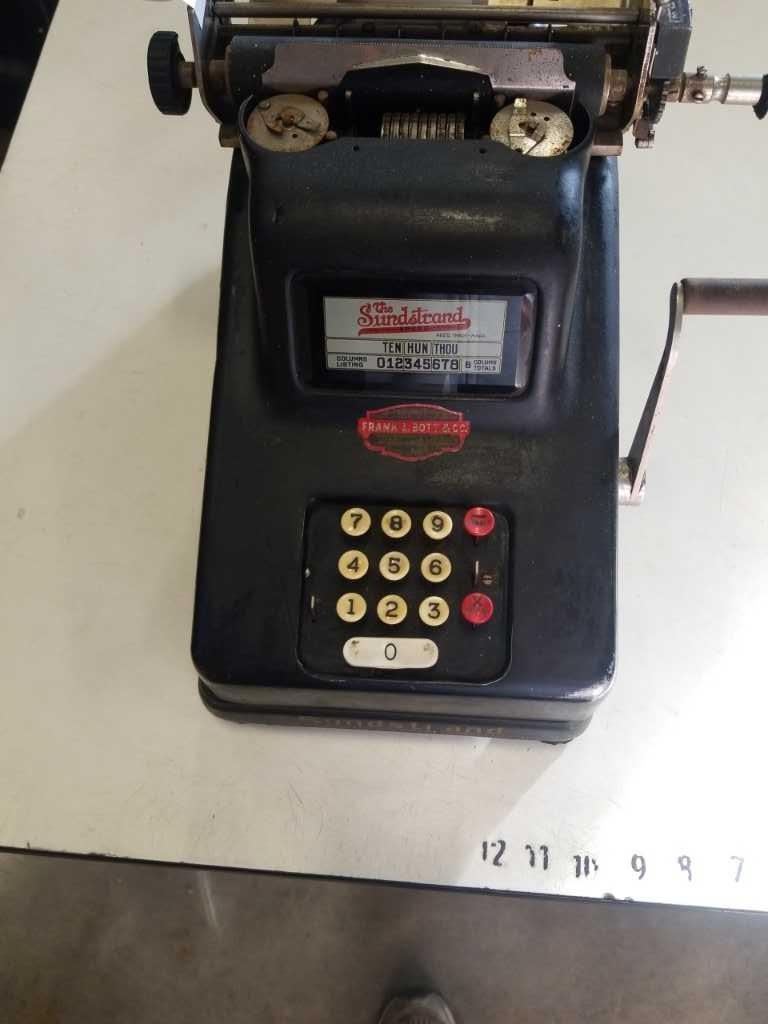
- First adding machine to use 10-key UI
- Internal register tracked button presses
- Press numbers in sequence, then pull lever to add
- Use Repeat button for multiplication
- No subtraction / division in early models
- Don't have an example in my collection :(
Monroe (1912)
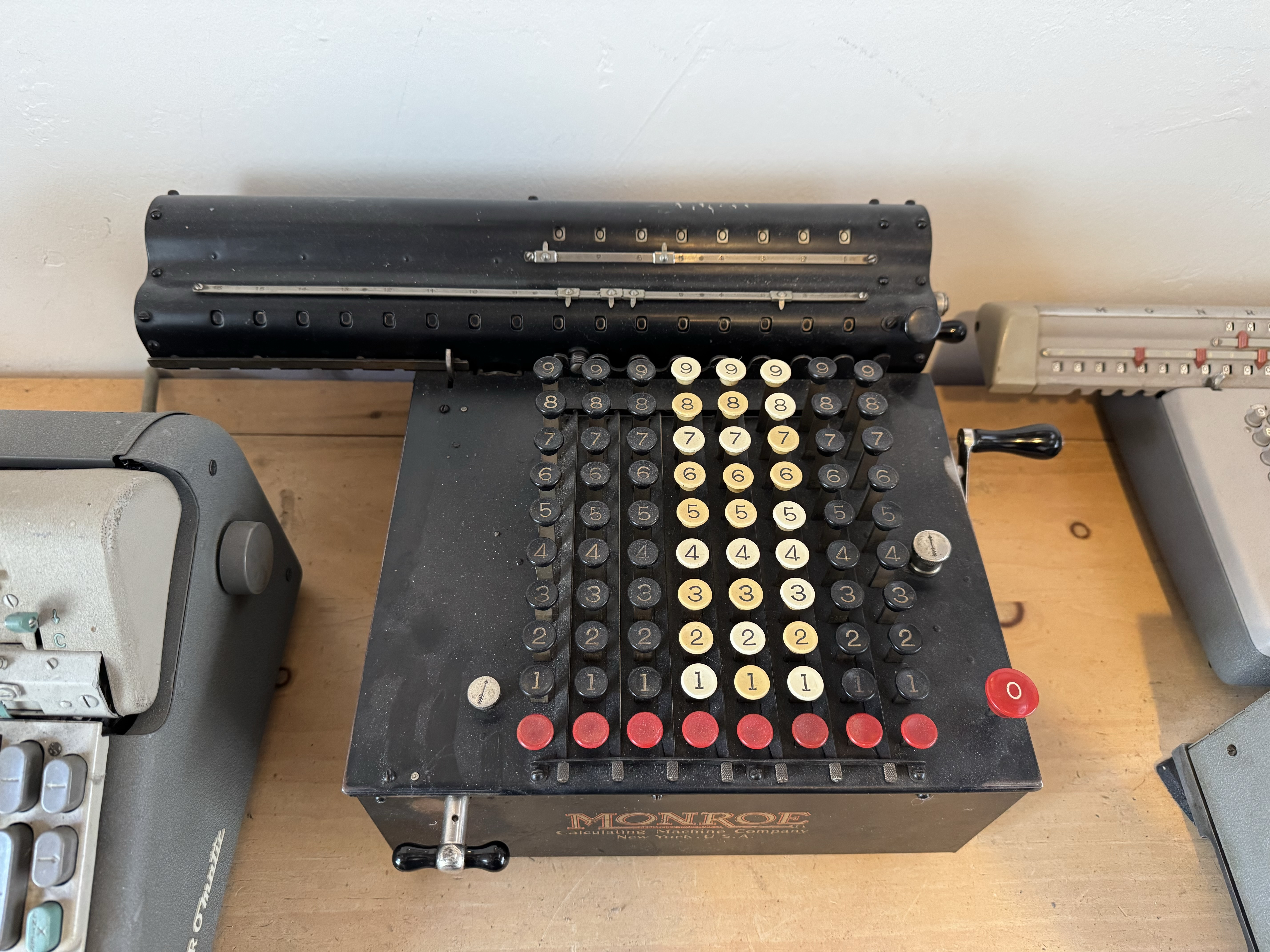
- Monroe Model F attempted to improve UI of Odhner pinwheel calculators
- Similar to pinwheel, but replaced sliders with full keyboard
- Not as fast as Comptometer, but faster to learn
- Can perform four main types of arithmetic
- Press numbers on keyboard to select
- Rotate crank clockwise to add, counterclockwise to subtract
- Rotate front knob to shift right/left when multiplying/dividing.
Monroe Model F (~1915)
Facit (1932)
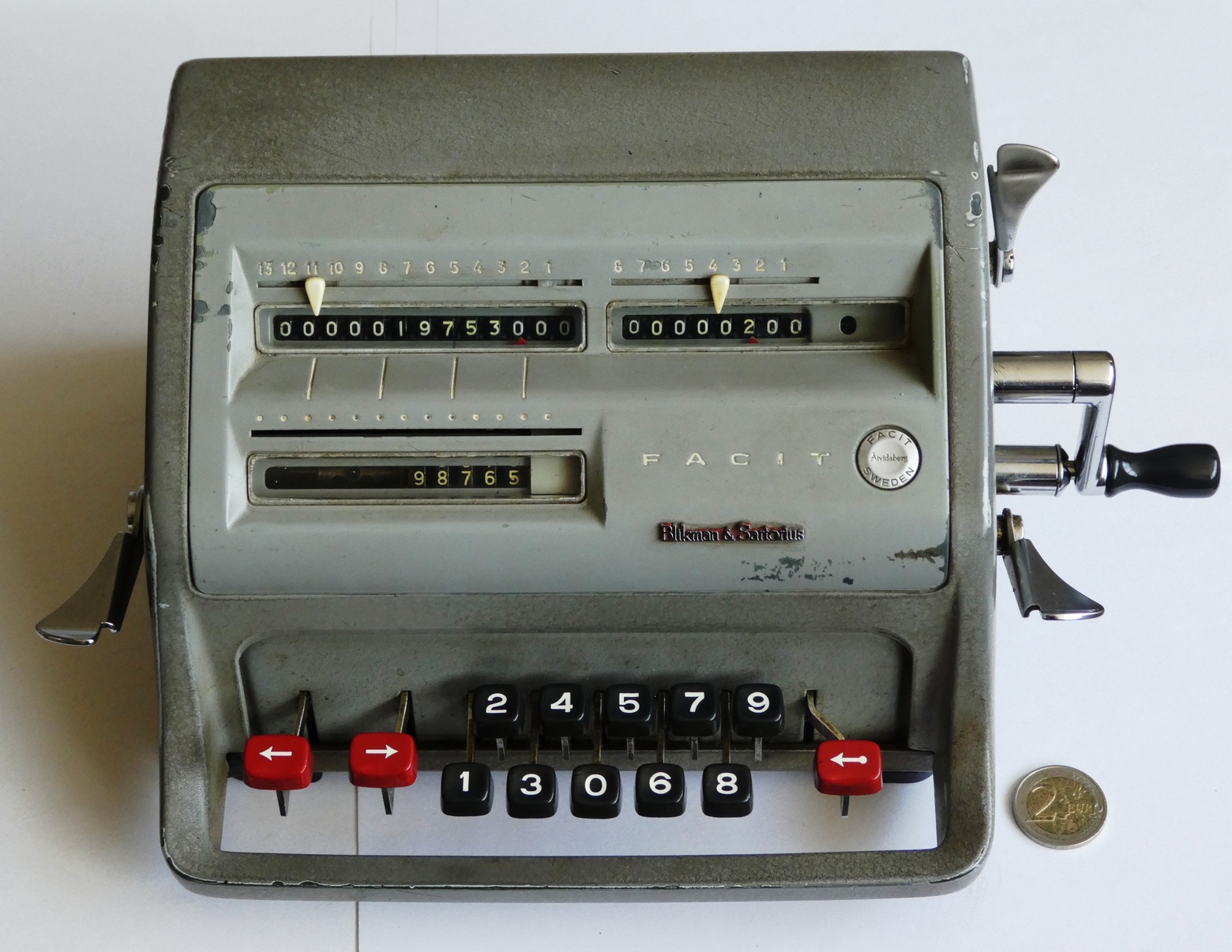
- Swedish attempt to improve pinwheel UI
- Ten keys hit in sequence instead of full keyboard
- Displays register in front
- Rotate crank clockwise to add, counterclockwise to subtract
- Hit shift buttons to shift right/left when multiplying/dividing
- Convenient one-handed clearing of main registers.
Facit Clone (late 1940s)
Marchant Silent Speed (1934)
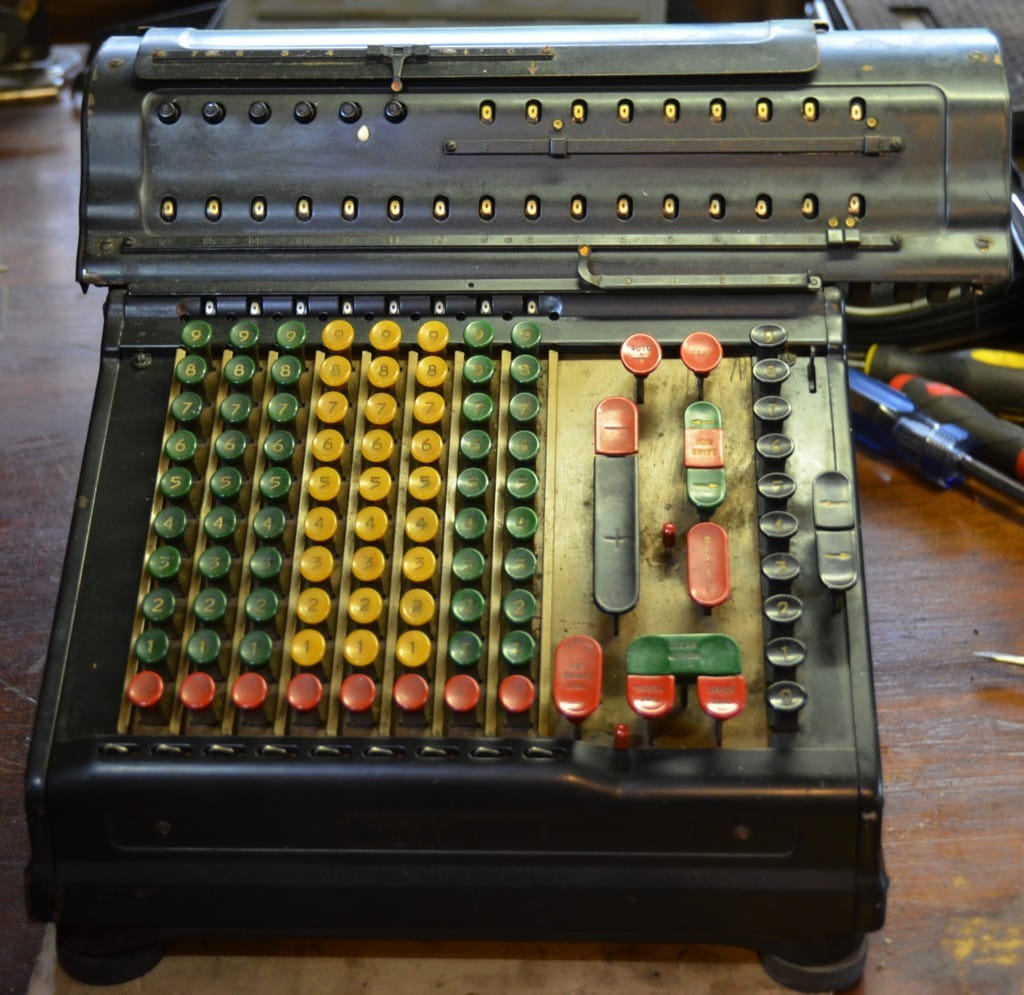
- Many electromechanical calculators created
- First models just replaced levers/cranks with electric motor
- Eventually calculators designed around electromechanical approach
- Marchant "Silent Speed" incredibly sophisticated example
- Nested planetary gears for register
- Allows direct multiplication/division buttons
- Used in Manhattan project
- Vulnerable to divide-by-zero errors.
Marchant Silent Speed (~1940s)
Calculating Pi
Portable Calculators
Addiator (1923)
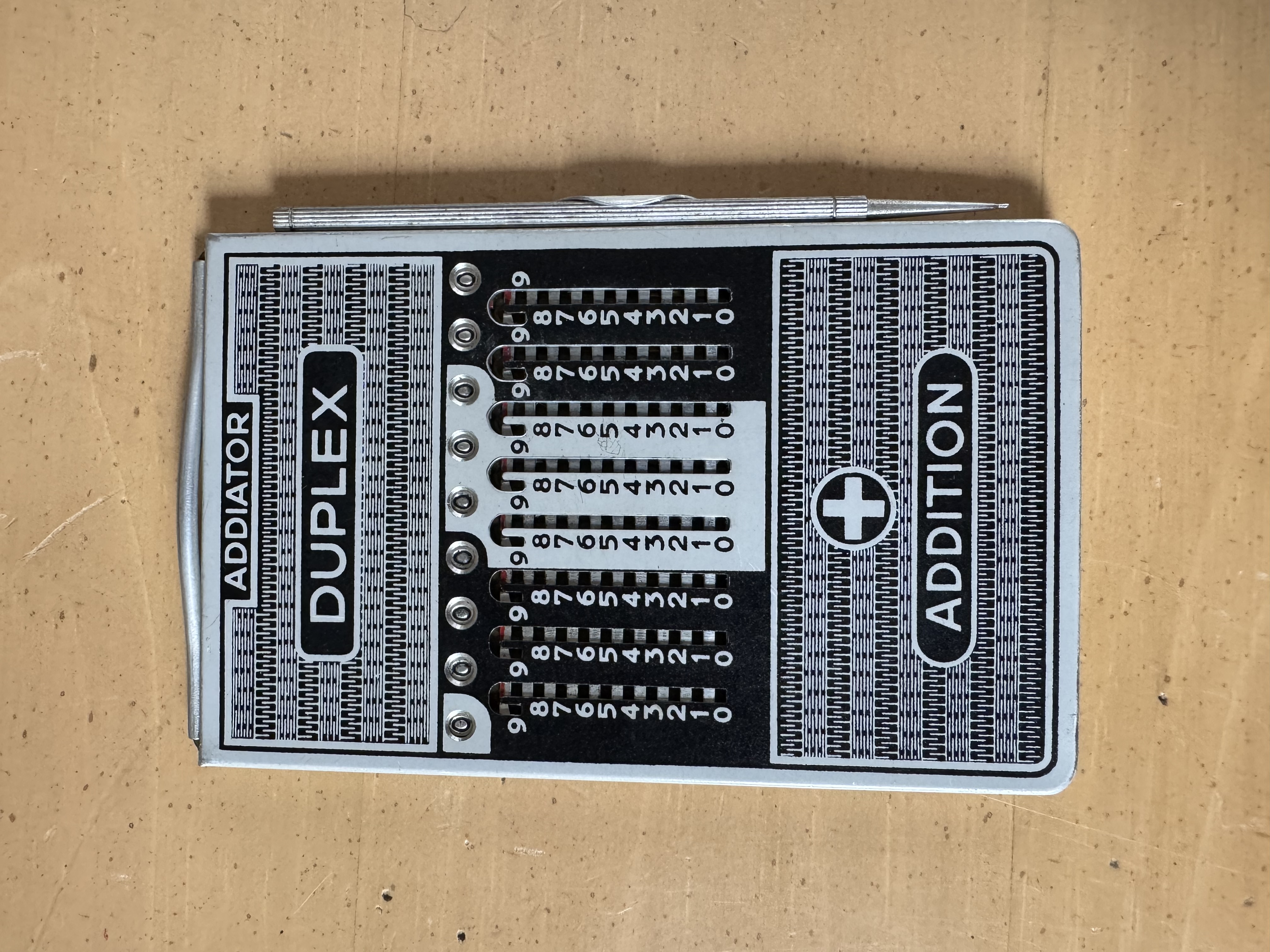
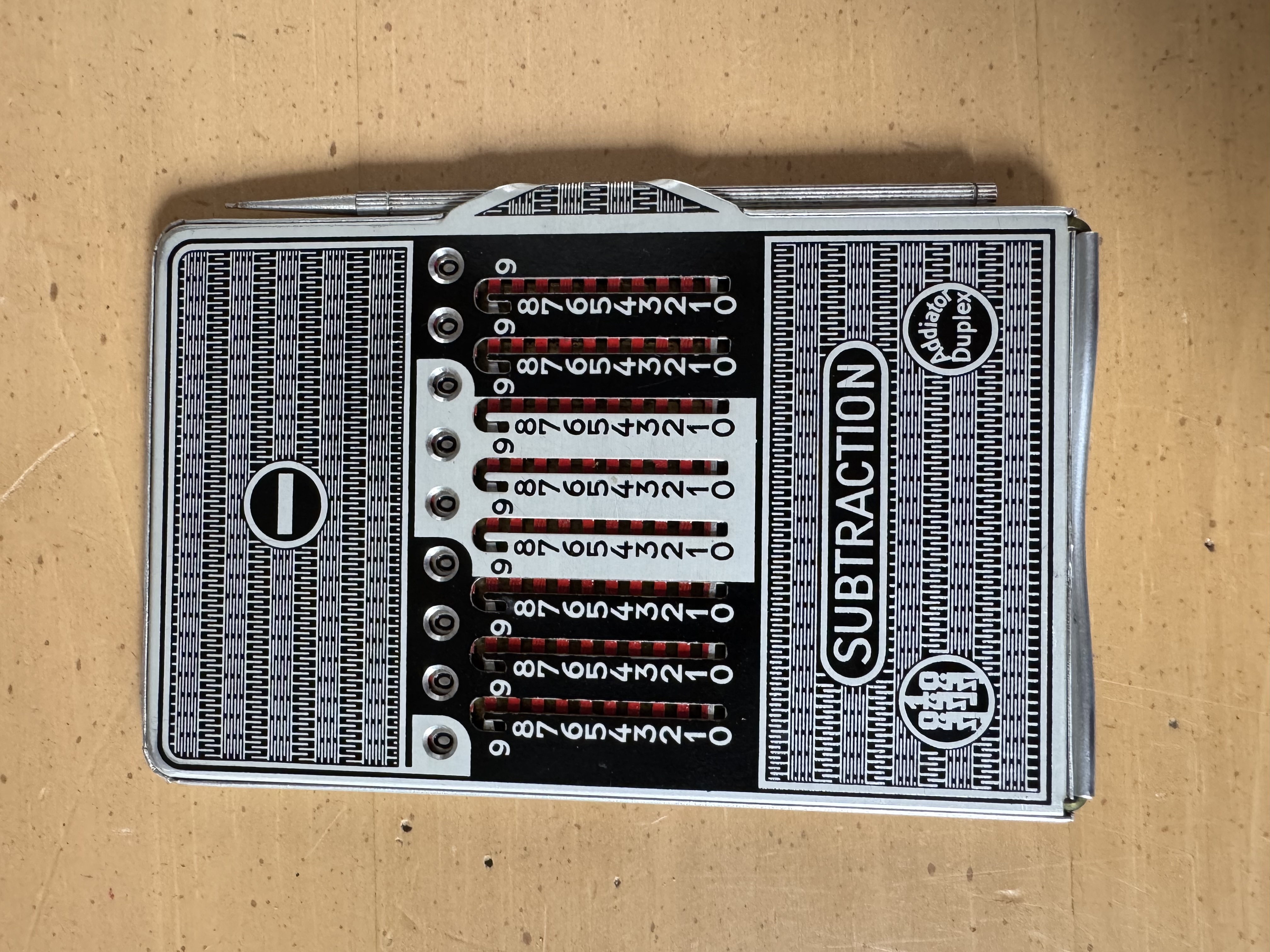
Portable Calculators
Addometer (1927)
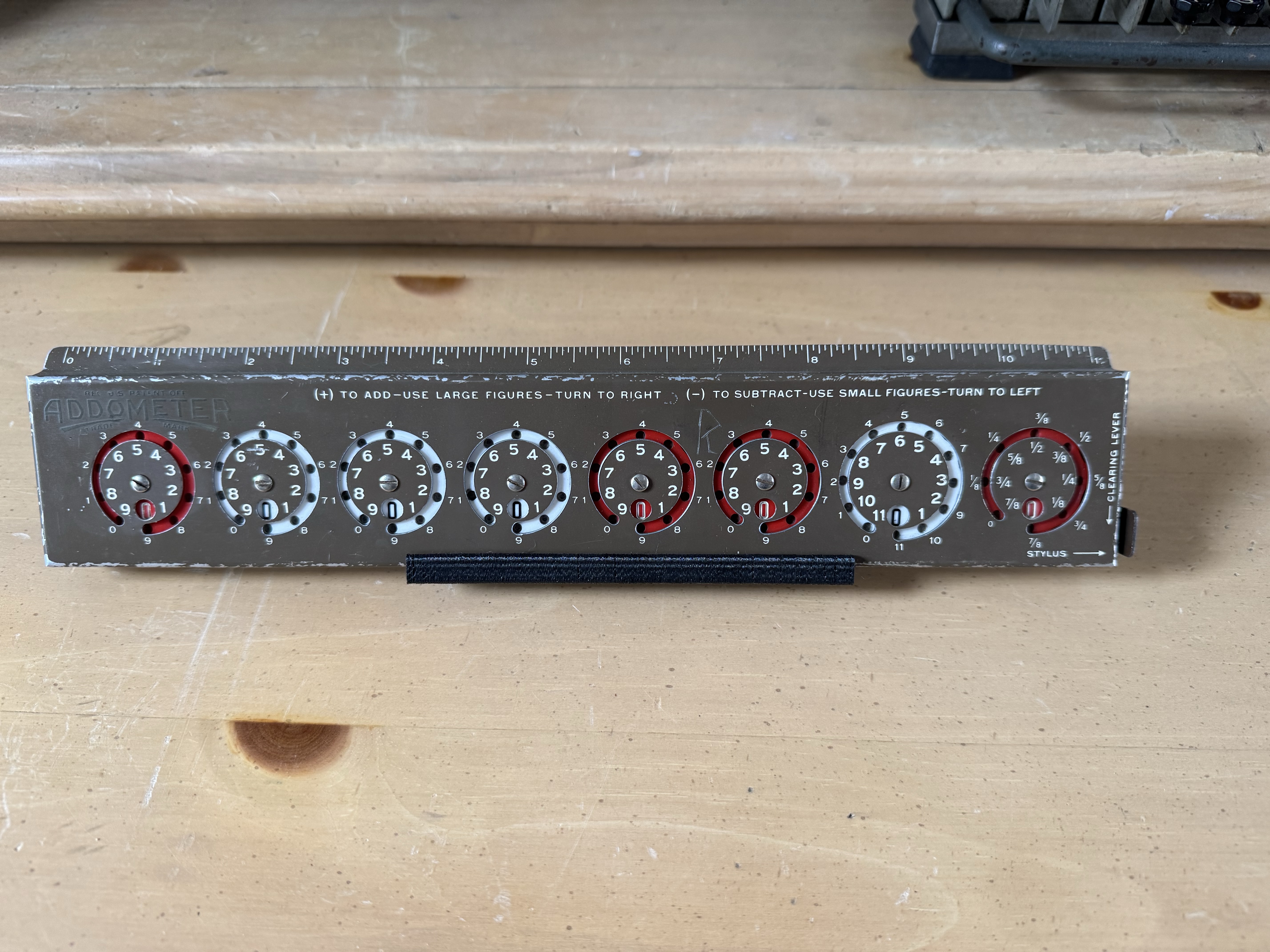
Portable Calculators
Curta (1938)
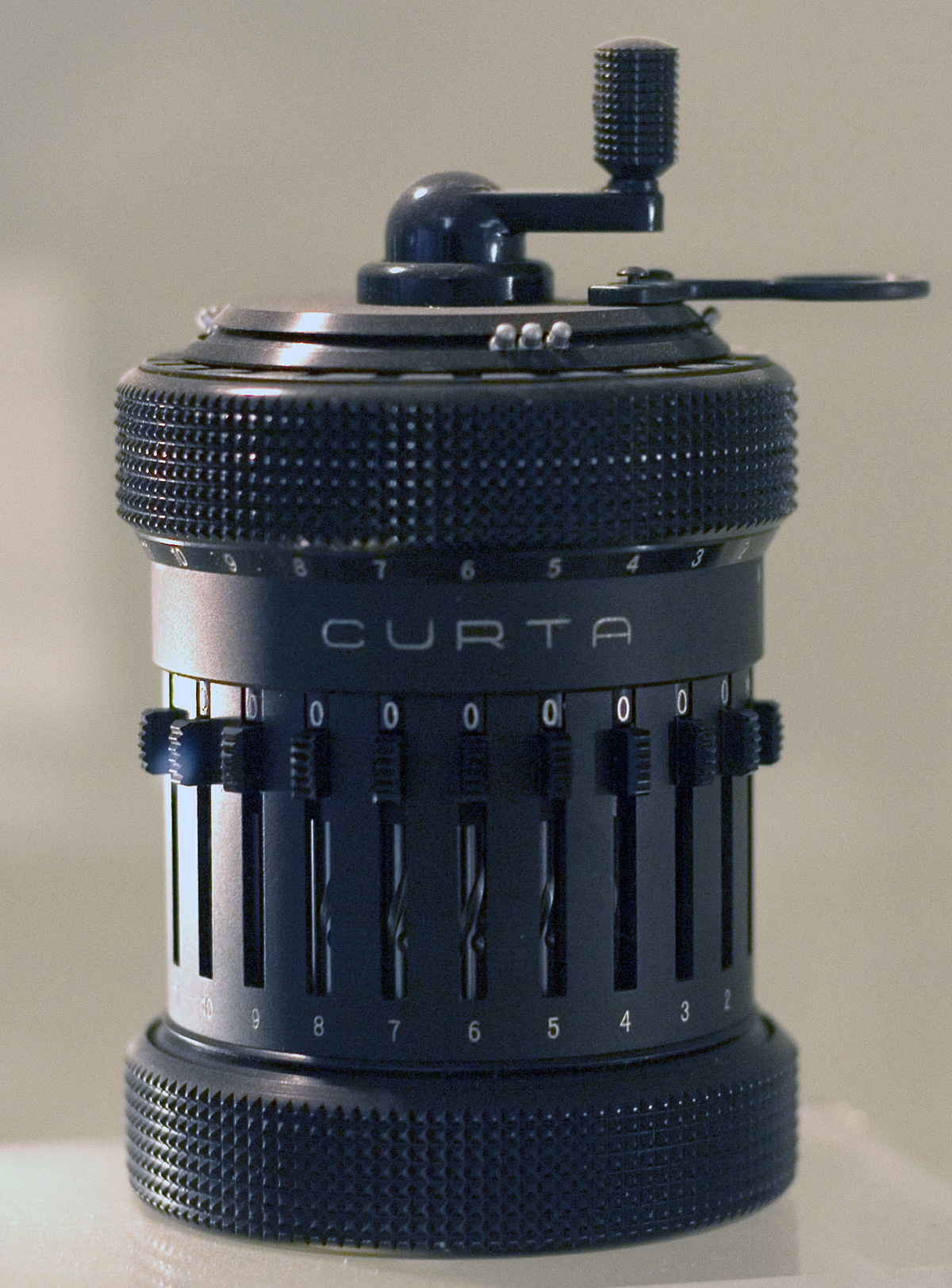
- Probably finest engineered portable calculator
- Condensed pinwheel mechanism into pocket-sized container
- Can perform four main types of arithmetic
- Slide sliders to set digits, turn crank clockwise/counterclockwise
- Can lift cylinder and twist to shift left/right
- Missing piece of my collection :(
The Digital Age (1960+)
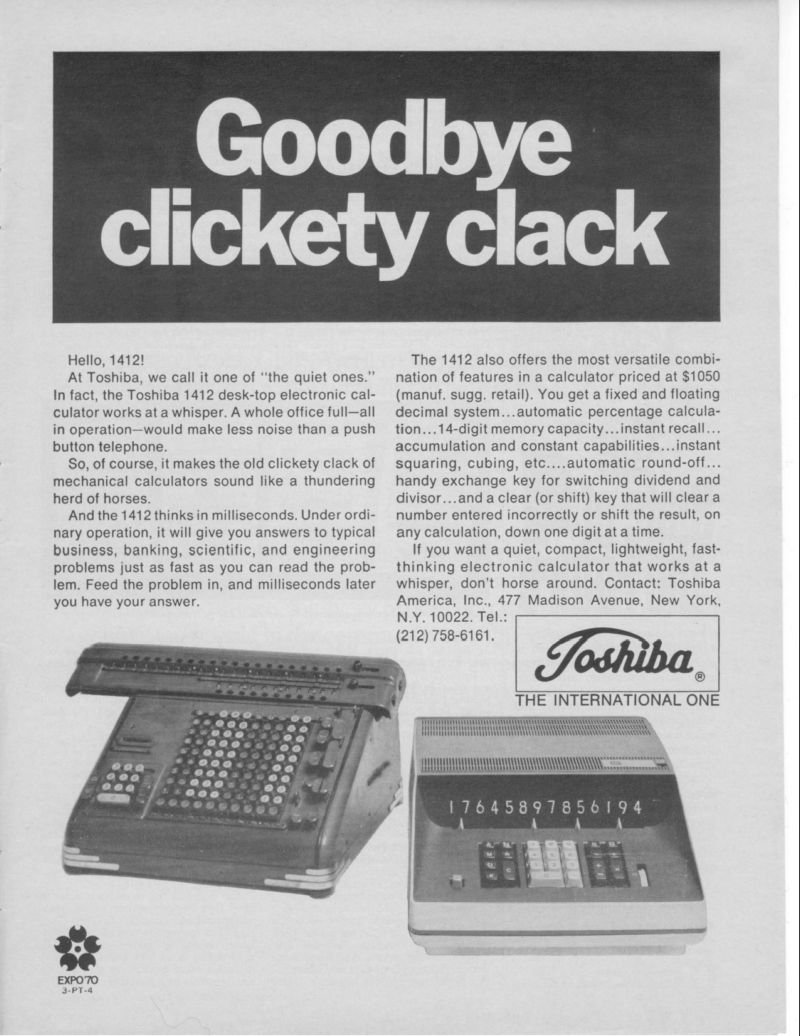
- Digital calculators appeared in 1960s
- Much quieter than mechanical calculators
- Faster than electromechanical calculators
- Way fewer moving parts, much less maintenance
- UI decoupled from mechanisms
- Settled on 10-key UI we still use today.
Lessons for Linux
- I'm no UI expert, but empathy seems to be important
- Natural to treat UI as extension of code underneath
- Avoid CLI that just mirrors internal functions and data structures
- (I'm looking at you tc and iptables)
- Take advantage of "muscle memory" and conventions when it makes sense
- (Why are core pacman flags upper case? Why -S?)
- But also be willing to leave conventions behind
- How far can a user get w/ your software without a manual/training?
- (How many Linux installers still expect deep distro knowledge?)
- What if you could decouple how your software works, from how it's used?
- Even current calculator UI isn't intuitive, just based on technical limitations.
Thank You
Additional Resources